# 窗口材质Windows 11 带来了新的半透明窗口材质:云母 ,按微软文档的说法,这个材质可以用在 WinUI 2 及以上的应用程序中,但没有提及 WPF,经过查询资料发现 WPF 也是可以正常应用云母材质来提升窗口观感的,甚至从 Aero 时代扩展玻璃特效使用的方法都没太大变化,或许所有 DWM 绘制的窗口都可以应用这个材质。
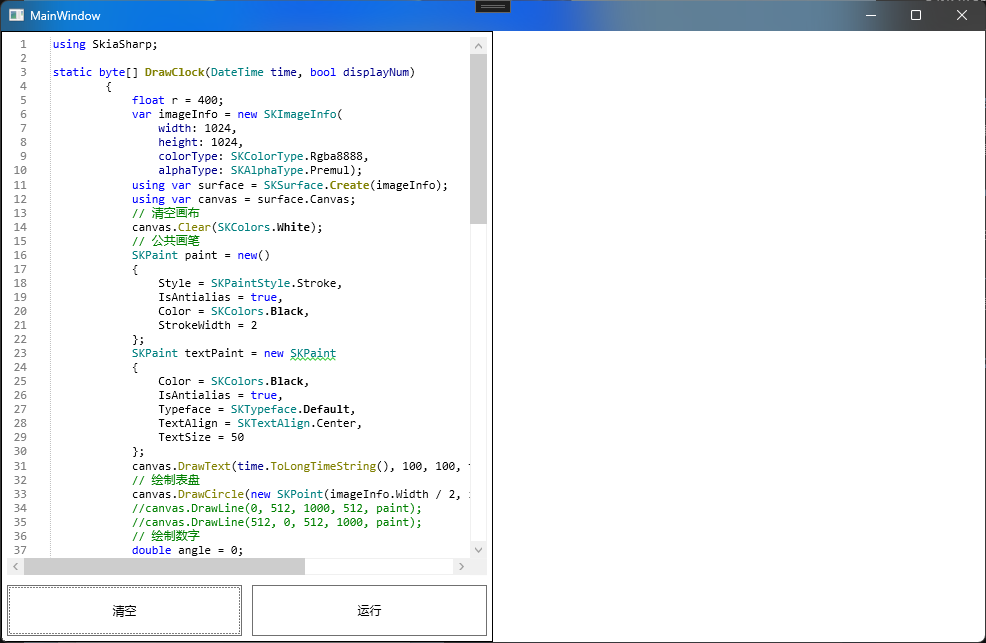
# 使用材质和 Aero 特效一样,默认状态下,开启云母材质之后,只有标题栏会有材质效果:
# APIDwmExtendFrameIntoClientArea DwmSetWindowAttribute # DwmExtendFrameIntoClientArea# 函数原型:1 2 3 4 5 6 7 8 9 10 typedef struct _MARGINS { int cxLeftWidth; int cxRightWidth; int cyTopHeight; int cyBottomHeight; } MARGINS, *PMARGINS; HRESULT DwmExtendFrameIntoClientArea ( HWND hWnd, [in] const MARGINS *pMarInset )
# C#:1 2 3 4 5 6 7 8 9 10 [StructLayout(LayoutKind.Sequential) ] public struct MARGINS{ public int cxLeftWidth; public int cxRightWidth; public int cyTopHeight; public int cyBottomHeight; }; [DllImport("DwmApi.dll" ) ] private static extern int DwmExtendFrameIntoClientArea (IntPtr hwnd, ref MARGINS pMarInset )
# 调用1 2 3 4 5 6 7 8 9 10 11 12 13 14 15 16 private void RefreshFrame (){ IntPtr mainWindowPtr = new WindowInteropHelper(this ).Handle; HwndSource mainWindowSrc = HwndSource.FromHwnd(mainWindowPtr); mainWindowSrc.CompositionTarget.BackgroundColor = Color.FromArgb(0 , 0 , 0 , 0 ); ParameterTypes.MARGINS margins = new () { cxLeftWidth = -1 , cxRightWidth = -1 , cyTopHeight = -1 , cyBottomHeight = -1 }; ExtendFrame(mainWindowSrc.Handle, margins); }
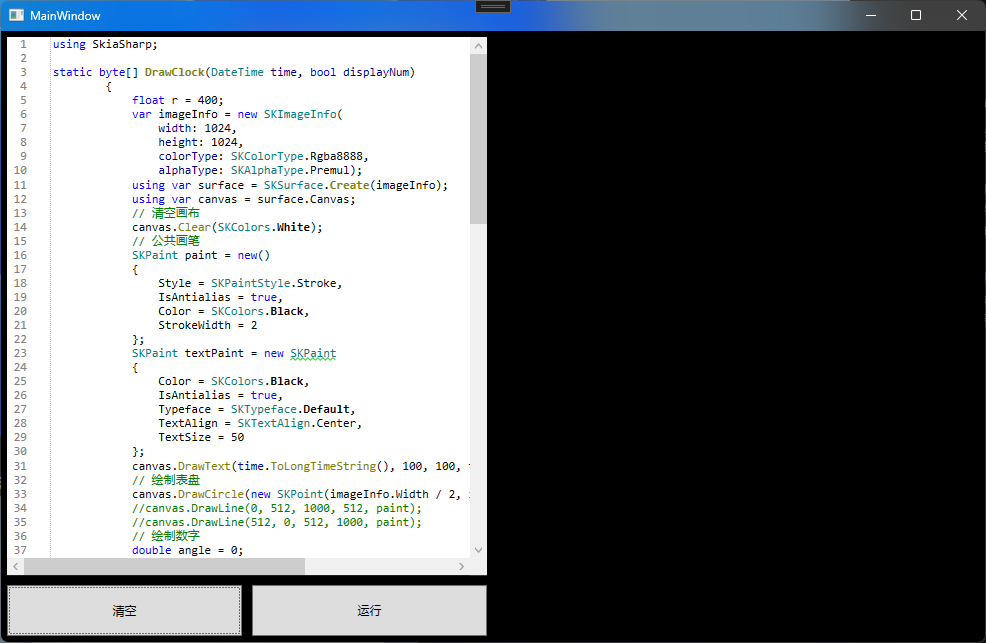
此处传递进窗口的 Handle ,并设置颜色混合背景色为透明,调用 API 来扩展 DWM 生效边框。单独调用此 API 还不能实现全窗口的材质覆盖,需要结合下方的 API 一起调用。
# DwmSetWindowAttribute# 函数原型1 2 3 4 5 6 HRESULT DwmSetWindowAttribute ( HWND hwnd, DWORD dwAttribute, [in] LPCVOID pvAttribute, DWORD cbAttribute )
# C#1 2 3 4 5 6 7 8 9 [Flags ] public enum DWMWINDOWATTRIBUTE{ DWMWA_USE_IMMERSIVE_DARK_MODE = 20 , DWMWA_SYSTEMBACKDROP_TYPE = 38 } [DllImport("DwmApi.dll" ) ] private static extern int DwmSetWindowAttribute (IntPtr hwnd, DWMWINDOWATTRIBUTE dwAttribute, ref int pvAttribute, int cbAttribute )
# 调用1 2 3 4 5 6 7 8 9 public enum Material{ None, Mica = 2 , Acrylic = 3 , Tabbed = 4 } SetWindowAttribute(new WindowInteropHelper(this ).Handle, DWMWINDOWATTRIBUTE.DWMWA_SYSTEMBACKDROP_TYPE, Material.Mica);
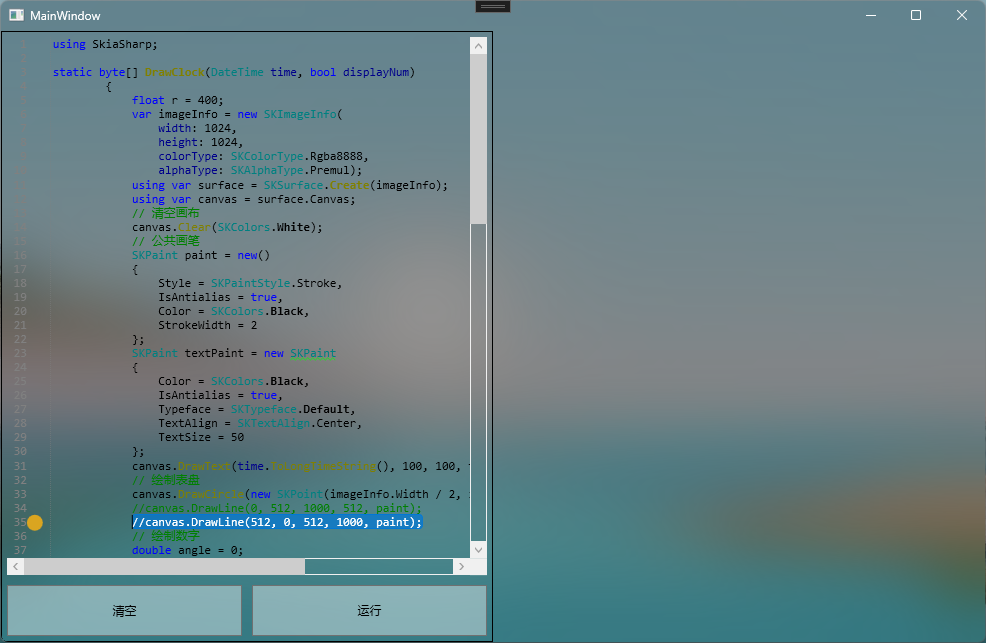
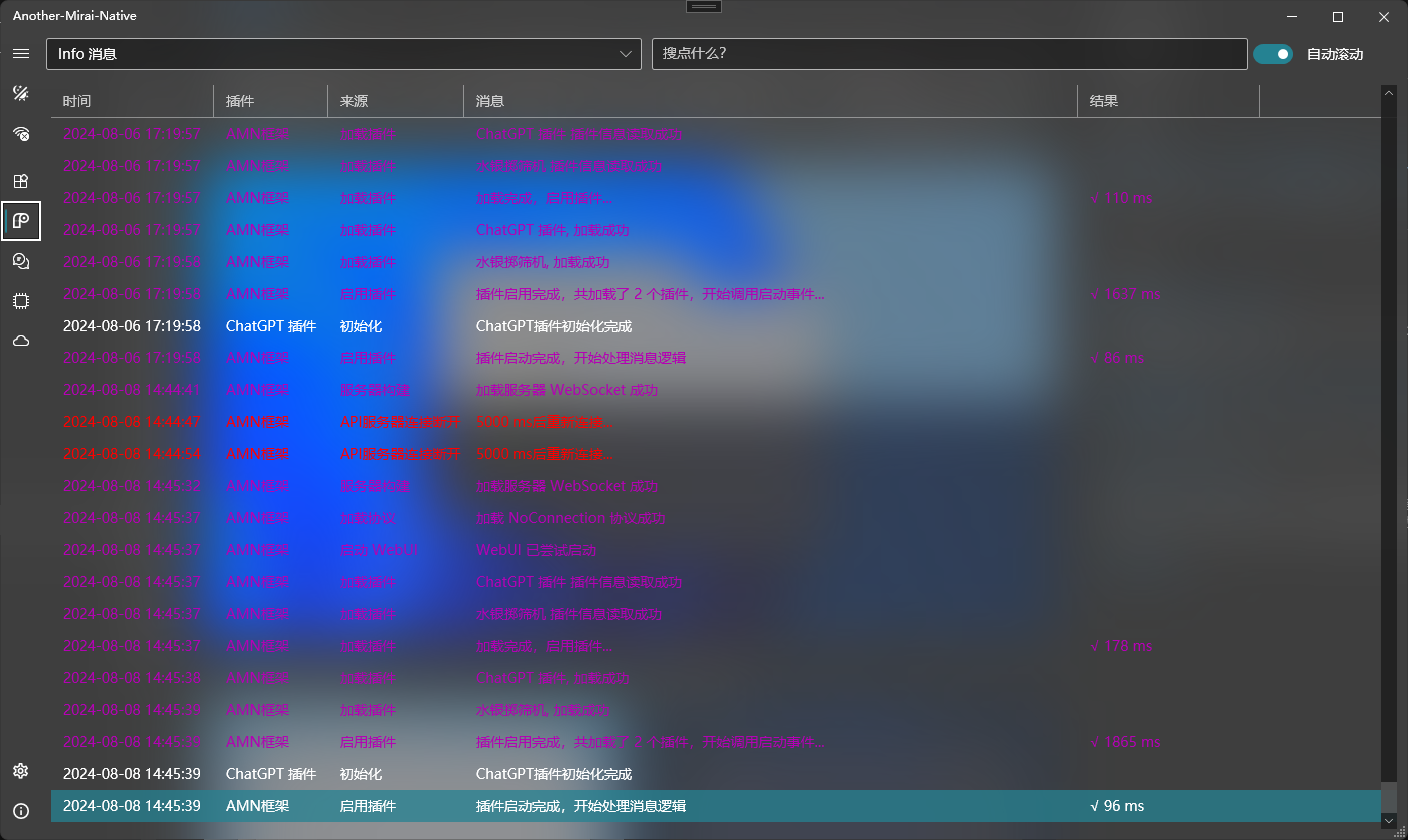
通过调用上方两个 API,此时整个窗口均可添加材质效果。此时可修改窗口的背景色为 Transparent 来强调显示材质效果。对于实现完全的界面库而言,材质往往有更好的显示效果。
# 硬件加速硬件加速是默认开启的,但是关闭硬件加速可以降低内存消耗,可能会降低界面、动画的流畅度 bug
# 切换方式1 2 RenderOptions.ProcessRenderMode = RenderMode.Default; RenderOptions.ProcessRenderMode = RenderMode.SoftwareOnly;
# 内存消耗变化# 开启硬件加速占用 212.5MB
# 关闭硬件加速占用 102.7MB。其中界面流畅度没有明显变化